How To Program Folding Mirrors - Pictogram

Status
Not open for further replies.

Loz

Senior Member
Moderator
VIP Member
T6 Legend
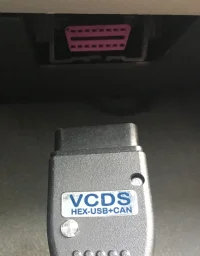
Firstly plug in your VCDS cable.
IMG_3407.webp
The socket is just below and to the right of the steering column above the accelerator pedal.
Then plug the USB end into your PC and start the VCDS application.

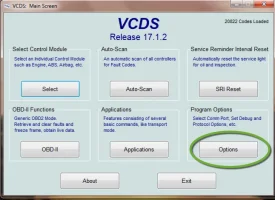
If this is your first time using the software select Options
Options1.webp
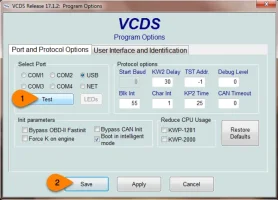
Then [Test] to make sure the application can see the cable and communicate with the vehicle.
Options2.webp

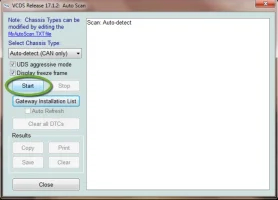
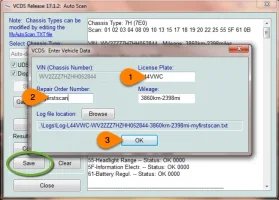
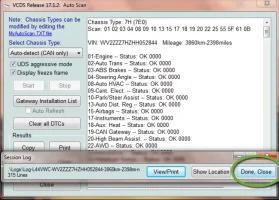
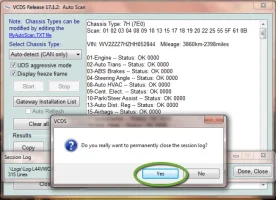
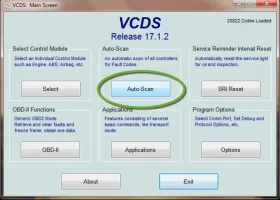
Next it is important to perform and save an initial auto scan so that you have a record of the coding as it was before you make any changes.
scan1.webp
scan2.webp
scan3.webp
scan4.webp
scan5.webp
Now this is saved, you will have a record of the coding should you have a problem.

Next section is the coding.
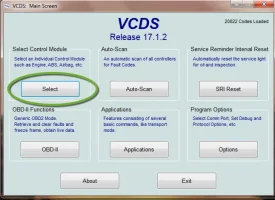
 
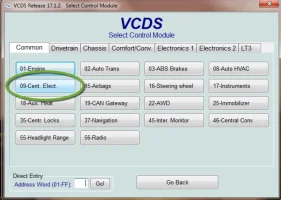
First select the module to be coded
Prog1.webp
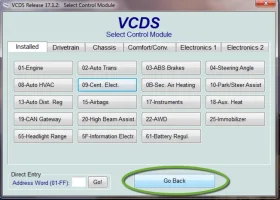
Select module 09 Cent Elect (the list of modules may vary between vehicles)
Prog2.webp
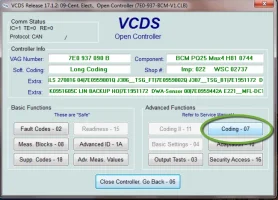
Next select the Coding button
Prog3.webp
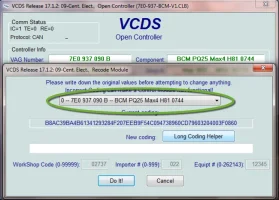
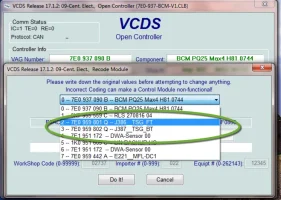
The module has a number of sub modules and these are selected using the highlighted menu.
Prog4.webp
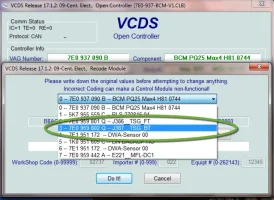
Select the sub module J386 (note that this list varies between vehicles)
Prog5.webp
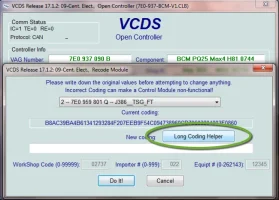
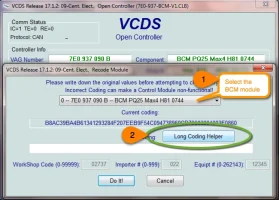
Next choose the Long Coding Helper which open a new window.
Prog6.webp
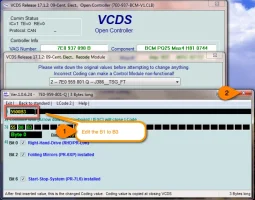
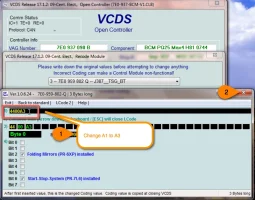
There are a number of ways to use this helper, for this procedure we will edit the value directly at the top.
Prog7.webp
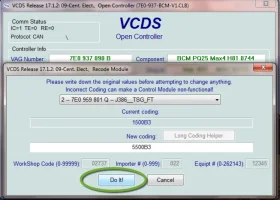
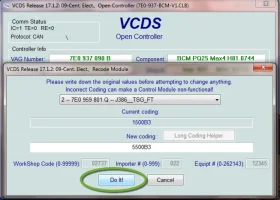
After closing the long coding helper select [Do it!] to commit the changes to the module, you can cancel if you mess up and start the long coding again.
Prog8.webp
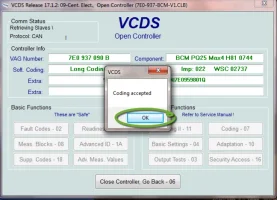
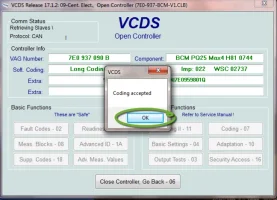
Close the accepted panel
Prog9.webp
Proceed to the second door sub module J387 and repeat the process.
Prog10.webp
Prog6.webp
Prog11.webp
 
Last edited:
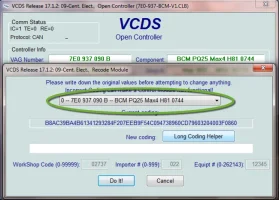
Finally open the long coding helper for the BCM itself. (top of the list)
Prog4.webp

As before select the long code helper
Prog12.webp

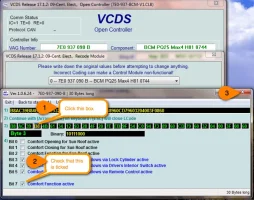
This time we will use one of the alternative ways to change the module coding by clicking on byte 3, Row 3) 4th box along. A number of Bit option tick boxes will appear and make sure Bit 7 is ticked.
Prog13.webp

Choose Do it and commit the changes.
Prog8.webp

Close the coding accepted panel.
Prog9.webp

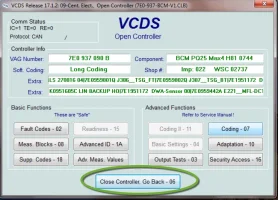
Close the controller.
Prog14.webp
Select go back to return to the top level of the application.
Prog15.webp
 
Last edited:
Now perform the re adaption of the "One Touch" window operation and you should be done.

Hold window button down until the window is all the way down, let go, hold down again and count to 3, pull up (window jumps, pull again) to the top, let go, pull up again, count to 3 let go and test.
Repeat for other window.
 
Last edited:
Will my 2017 mirrors fold?
I assume your van already has folding mirrors ?

If it is mid 2017 onwards (ie an MY18 model) then it should do it as standard
If it is mid 2017 or earlier then its probably got the Q door modules and will not work
If you are not sure post a VCDS scan
 
Last edited by a moderator:
How do all the hex values relate to each other?
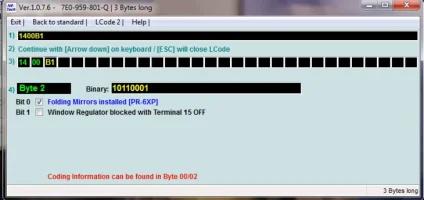
I took some new screen shots today;
byte2.webp

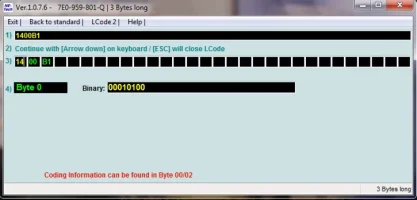
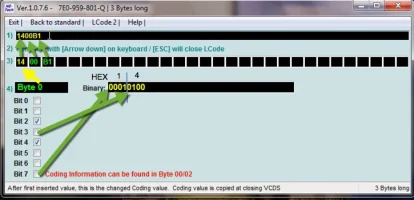
This it what an undocumented byte looks like:
byte0-normal.webp
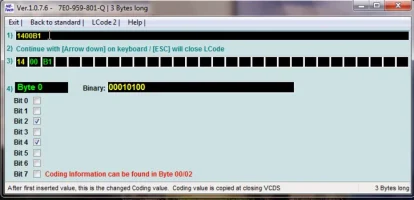
See there are no tick bits available but if you edit the code directly in row 1. you get this;

byte0-exposed.webp

just in case readers are seeing this for the first time here is a quick explanation :)
byte0-explained.webp
 
Last edited:
Confirmed: MY18 - Comfort close windows and folding mirrors work from factory with the long key press as does the needle sweep on ignition. Coming Home/Leaving home works (when dark/ Rain sensor and auto lights fitted)
 
Status
Not open for further replies.
Back
Top