Retrofit 360° PDC without PLA on T6

Jan_B

Member
T6 Pro
Hello,

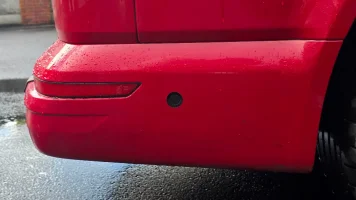
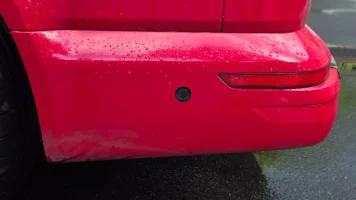
I'm currently retrofitting the 360° OPS view in my T6 without PLA.

Ciclo demonstrated how to do it in his Polo.

https://uk-polos.net/viewtopic.php?

Now I'm facing a problem...

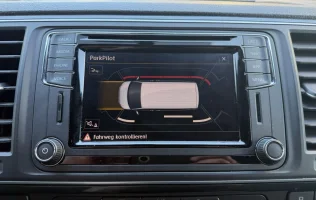
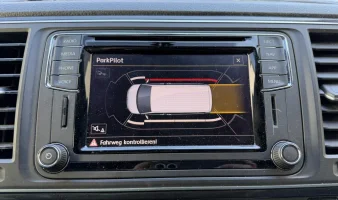
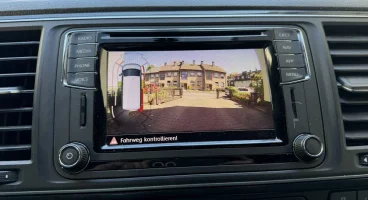
When the sensors aren't connected, I get the 360° OPS view in Discover Media.
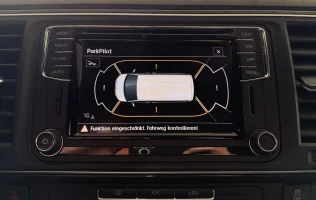
IMG_2548.webp

However, as soon as the sensors are connected, the view disappears and the normal 8K view appears.

Wirring loom and sensors aren’t faulty.
Each sensor gets +12v and signal.
Vdcs shows the distance of each side sensor corretly!
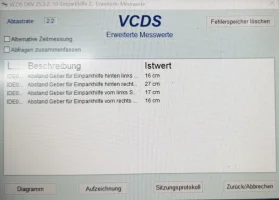
IMG_2576.webp
The fault memory is empty except for the known steering column fault.

Maybe one of you has an idea…
Where is the small change to get the view in Discover Media...?

✌🏼
 
Last edited:
@Jan_B being a pioneer is a privilege. Great work! Once the Electric Power Steering retrofit is complete, the PLA will function naturally as part of the new system :whistle:
 
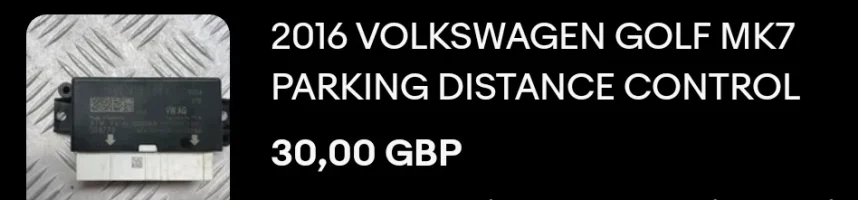
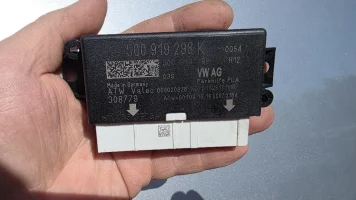
Purchased on eBay:
Screenshot_20260503_173137_eBay.webp

Once received:
IMG-20260429-WA0069.webp

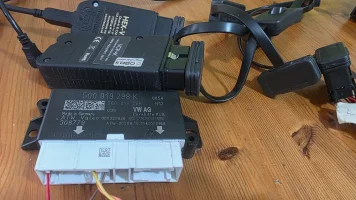
It landed on the table:
20260503_172041.webp

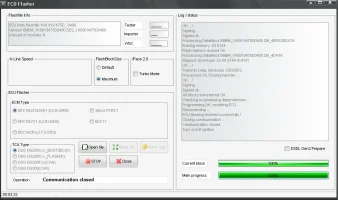
Got it flashed to 1K8 919 475D:
flash 5q0 to 1k8.webp

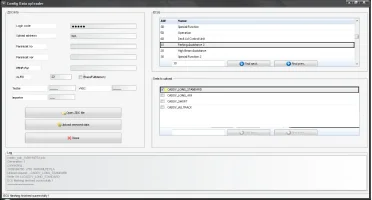
Uploaded CADDY MAXI data set:
data set.webp

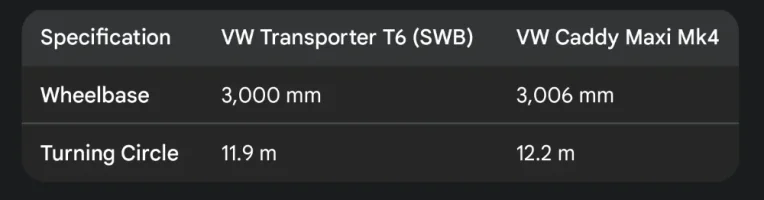
Caddy Maxi MK4 dimensions are the closest to T6 SWB so PLA/360° PDC should function in the most accurate way.
Screenshot_20260503_173951_Google.webp
It has only 6mm longer wheelbase and 30cm wider turning circle.

VCDS ADVANCED ID:
Code:
Address 10: Park/Steer Assist

Control Module Part Number: 1K8 919 475 D

  Component and/or Version: PARKHILFE PLA H12 0480

           Software Coding: 0000000000

            Work Shop Code: WSC 00000

                      VCID: 3B22CE0BF3E9EE02DA1-806E


Advanced Identification/FAZIT

     Serial number: 39431628101685

     Identification: ATW-001

     Revision: --------

     Date: 09.10.16

     Manufacturer number: EC07

     Test stand number: 0164

Flash Status

     Programming Attempts(application): 1/1/1/1/1

     Programming Attempts(data): 1

     Successful Attempts(data): 1

     Flash Date-Workshop ID-Status:

     00.00.00 00000 000 00000 (OK) | 26.05.03 00200 011 01357 (OK) | 26.05.03 00200 011 01357 (OK) | 26.05.03 00200 011 01357 (OK)

     26.05.03 00200 011 01357 (OK)

     Flash Tool Code(data): 12345 123 12345

Misc.

     Hardware number: 5Q0 919 298

     Workshop System Name: J791

     Workshop ID (Adaptation): 00000 000 00000

     Workshop ID (Coding): 00000 000 00000

     Equipment/PR Code: 000000000000000000000000

     Dataset Number: -----------

     Dataset Version: ----

     ASAM Dataset: EV_EPHVA2CVW364GP00

     ASAM Dataset Revision: 001010

VCDS Info:

     VCID: 3B22CE0BF3E9EE02DA1-806E

     Labels: 5Q0-919-298.clb

     ROD: EV_EPHVA2CVW364GP00_VW36

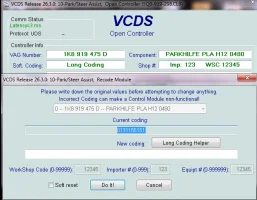
And set some initial coding:
vcds coding.webp
 
I installed the Caddy Maxi data set last friday too.
I think it works perfectly!
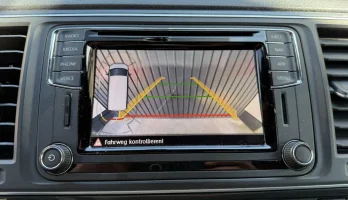
The grey and red bars displayed correct distance between obstacle and vehicle in Discover Media.
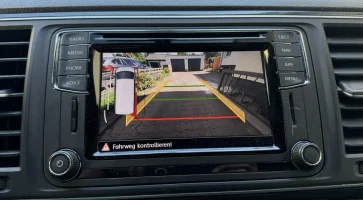
Also nice match with highline RVC system
IMG_2679.webp
IMG_2680.webp

I will compile the correct pin assignments in a table and make it available here; I hope tomorrow
 
Here are partnumbers that I used:

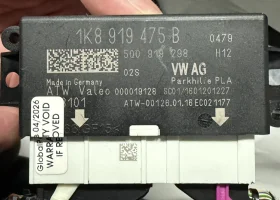
- PLA unit: 1K8919475B flashed to 1K8919475D with Caddy MAXI data set
You can also use 5Q0 unit like @Robert
IMG_2582.webp

- Front sensor brackets satin black: 7LA 998 399 9B9 (only satin black available)
- Rear sensor brackets satin black: 7LA 998 397 B
or
- Rear sensor brackets primed: 7LA 998 397 B GRU

- Seals black: 5Q0 919 133
- Sensors rear side: 5Q0 919 475 B
- Sensors front side: 5Q0 919 497 B is original T6.1 but I used the same as rear!
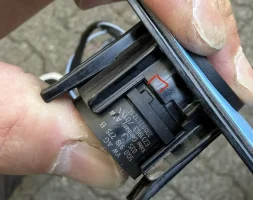
If you are using the same sensors at the front and rear, you will need to cut off this small section from the front bracket:
IMG_2613.webp
I used them because I know that these sensors are working 100%.

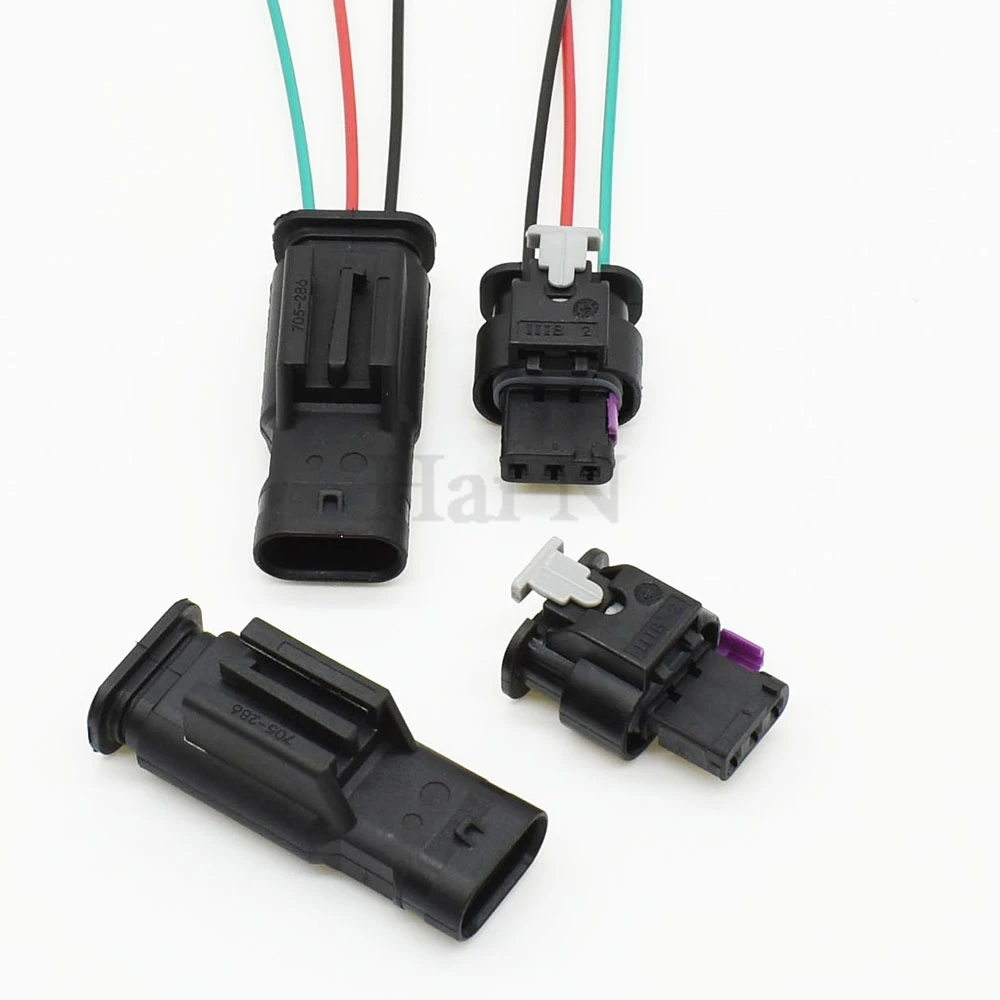
- Connectors sensors: 4F0 973 703
- 10m wirring 0,35mm2 bl rear left
- 10m wirring 0,35mm2 gn rear right
- 10m wirring 0,35mm2 gr/bl front right
- 10m wirring 0,35mm2 vi front left
- for sensors +12v and ground I used red and brown wires. Power supply I got from the other PDC sensors
- Mcon 1.2 pins with seals for PDC connectors
- MQS 0,35 pins for original PDC connectors for PLA unit
- 1N4007 Diode for PLA button trick

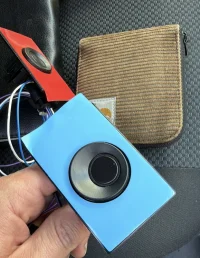
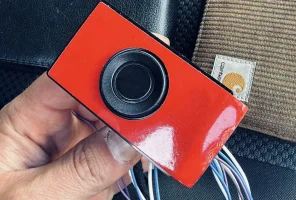
Mounted sensors in brackets:
E11CE59E-D8F5-4558-B720-6993FEA29952.webp
69D51172-8CCD-4BFD-B868-A08E4767795A.webp
 
Last edited:
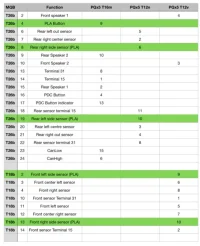
Pin assignments for PLA unit with adapter wirring harness MQB to PQ

The green lines are the new wires in original PQ connectors.
My Ali Express adapter wiring harness MQB/PQ is fully occupied.
The PLA button wire goes from 9 with diode to ground.
I'm not sure whether the sensors are powered by terminal 15 or terminal 30; I've labeled them as terminal 15.
+12V and ground are already taken from the existing sensors anyway.
IMG_2722.webp
 
Last edited:
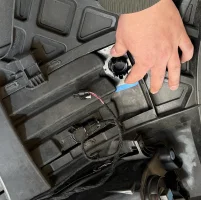
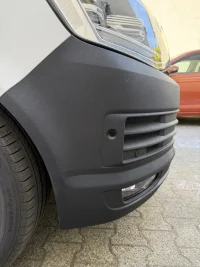
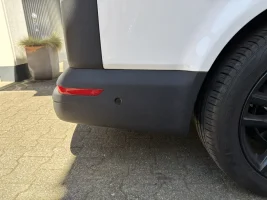
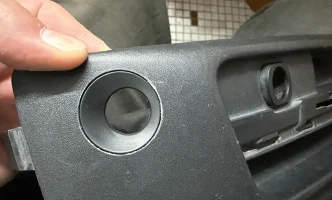
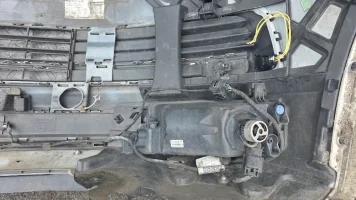
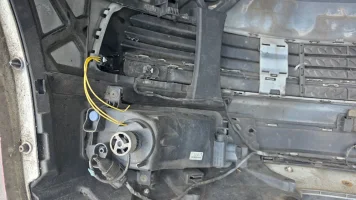
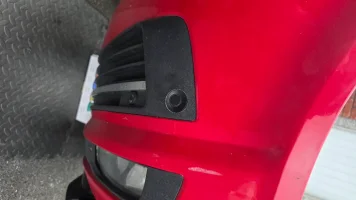
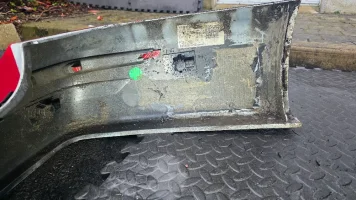
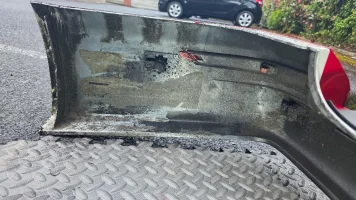
Over the weekend, I got a second bumper—this one from a Highline Multivan—and upon closer inspection, I realized that it differs from the Transporter bumper. The space available for the PLA sensor is significantly smaller than on the Transporter bumper—but see for yourselves.

Transporter bumper:
IMG_2633.webp

Highline Multivan bumper:
IMG_2752.webp
On the Transporter bumper, there is much more vertical clearance; consequently, on the Highline bumper, the PLA sensor can only be mounted at the same height as the existing PDC sensors.
The holder would need to be adjusted slightly for this.
 
Last edited:
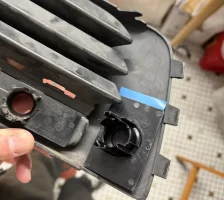
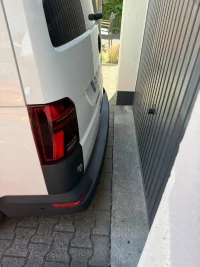
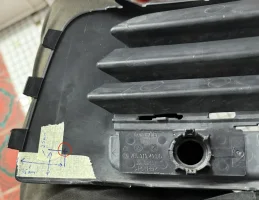
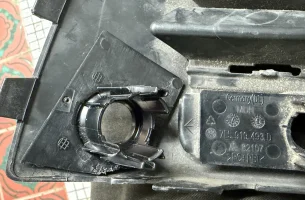
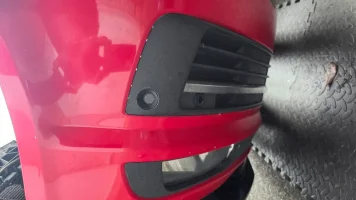
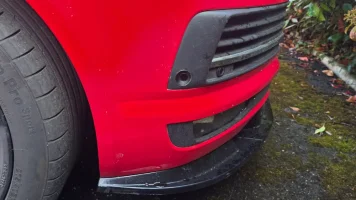
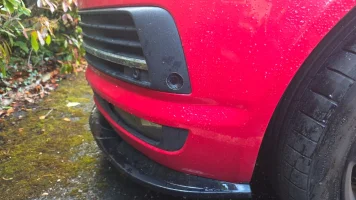
Today I did some tests with multivan bumper…
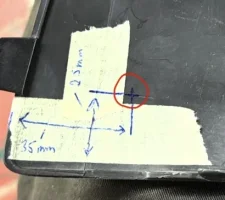
With this position, the PLA sensor is positioned centrally relative to the existing PDC sensors.
The curvature of the aperture in the lower right section is quite pronounced. It might be better to adjust the dimension by 1–2 mm or to modify the mount slightly further.
The dimensions are measured from the outer edges.
I definitely really like the positioning—at the same height as the other sensors.
@Robert let me know where you plan to place the sensors. You might find an even better position.
IMG_2762.webp
IMG_2769.webp
IMG_2766.webp
IMG_2767.webp
 
Back
Top